
Appearance
Account Users
BlueFox Email uses a role-based access control system to manage permissions within your account. Understanding these roles helps you control who can access your projects and what actions they can perform.
Role Overview
There are three account roles in bluefox.email:
- Admin: Account administrator with full control over account settings, projects, users and client access management.
- User: Standard account member with access to projects and email themes and view only access to other account users and clients.
- Client: A special role assigned to users who need access to specific projects with defined permissions. It can be either a editor access or just view only access.
You can find your account roles settings in Account Users tab.
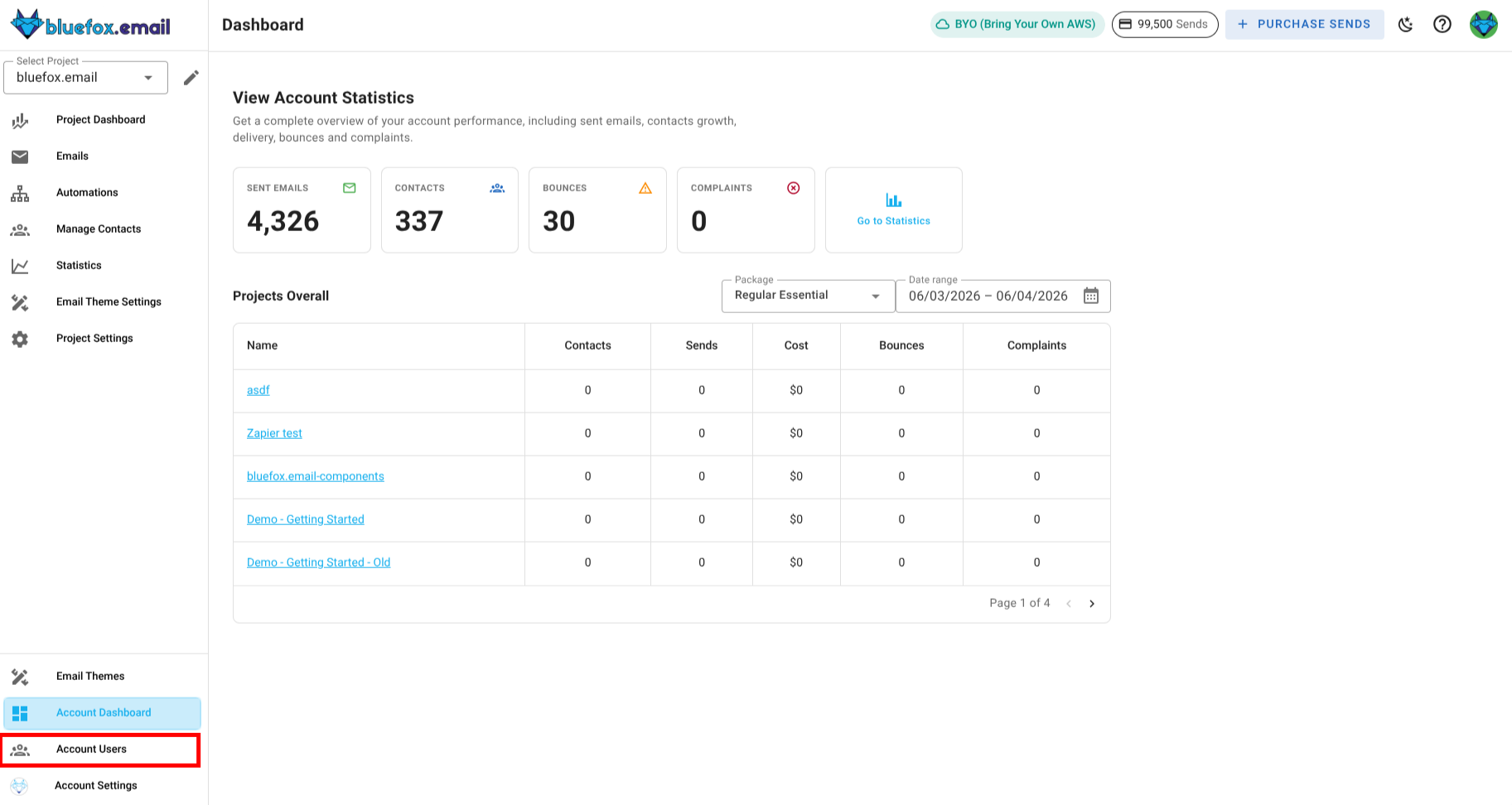
Here you can easily manage your user roles and client access levels. 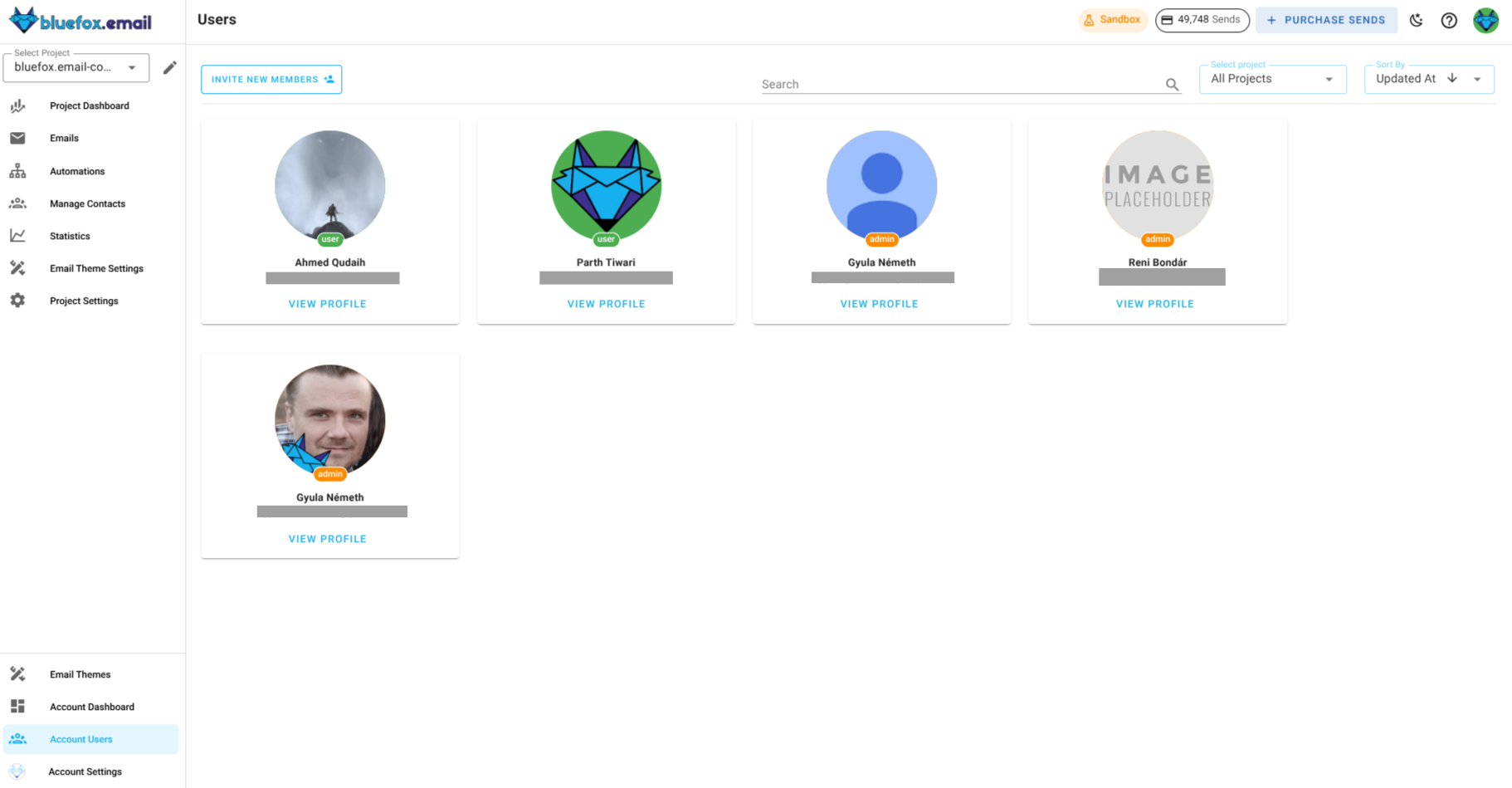
Member Invitations and role creation
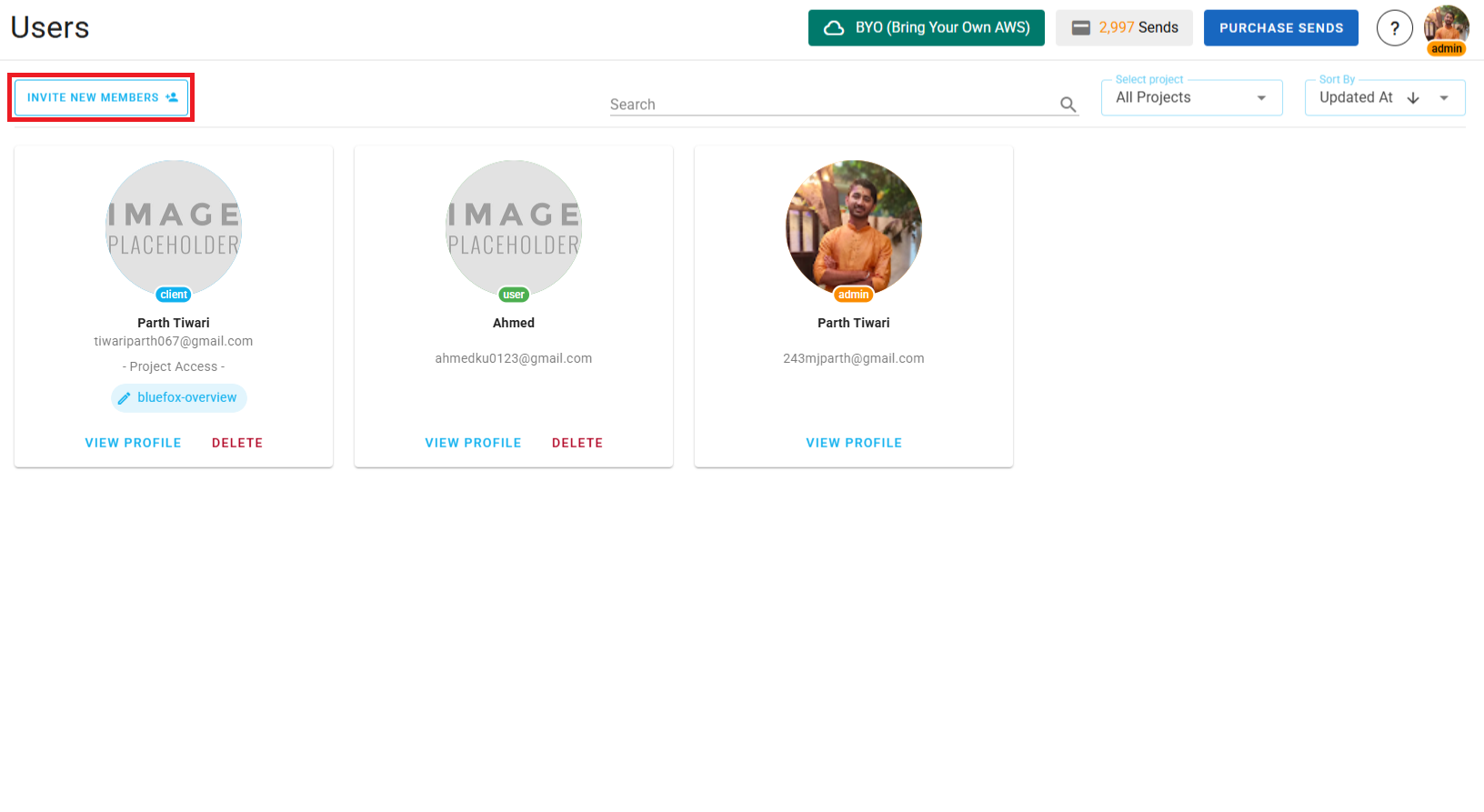
To invite a member to your BlueFox Email account, first make sure that you are a Admin. Only Admins are allowed to invite new members.
Check the Invite New Member button in top left corner of the Account Users tab.
After that you will be presented with a form. You can see the account for which you are inviting the member and you will need to enter :
- Email Address: The email address of the member you want to invite.
- Confirm Email Address: Re-enter the email address to confirm.
- Role: Select the role for the member. You can choose between Admin, User, and Client roles.
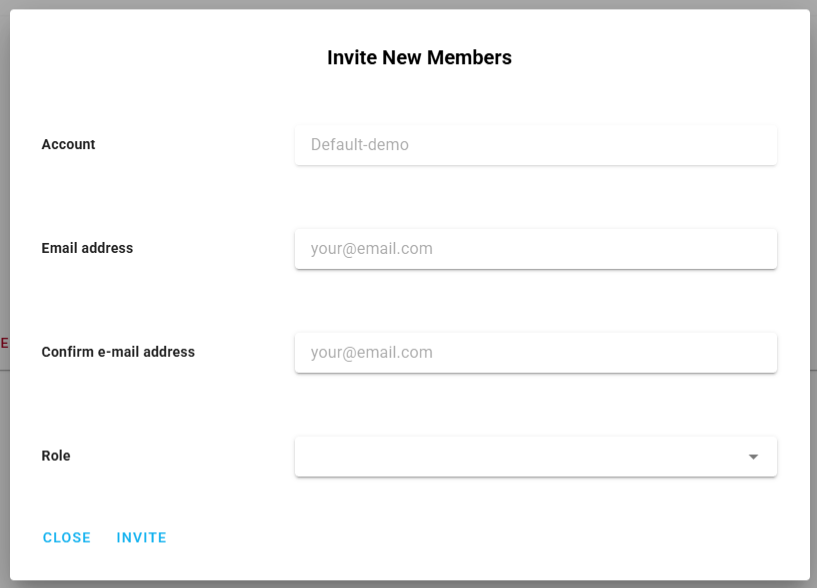
If you select the Client role, you will be presented with additional options to set the Client Access Level. You will need to select the project for which you want to grant access and then you have to choose between:
- Editor Access: Full control over the assigned project.
- Viewer Access: Read-only access to the assigned project.
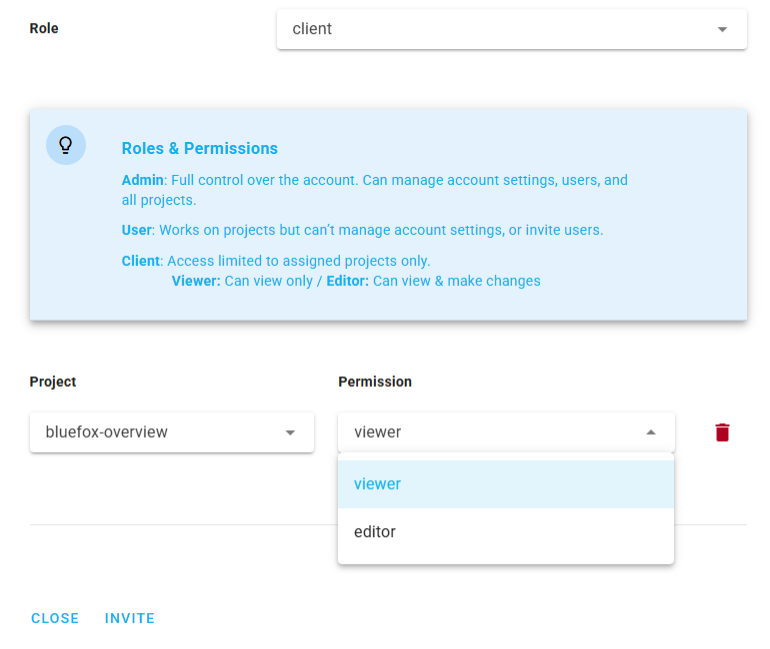
Understanding Roles and Permissions
Admin Role
Admin role is designed for account administrators who need full control over the BlueFox Email account
You can identify an admin by the Admin label below there avatar and also in Account Users tab. 
Admins have the ability to manage basically everything, user roles, client access levels, projects, email themes and account settings.
User Role
User role is designed for standard members of your BlueFox Email account. Users have access to projects, email themes and view only access to account settings.
You can identify a user by the User label below there avatar and also in Account Users tab.
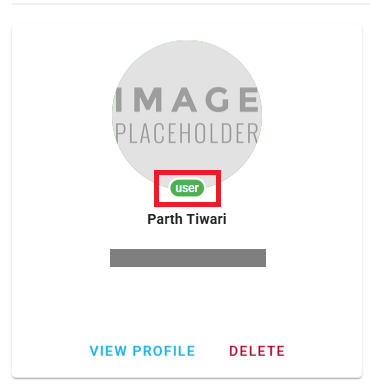
Users are managed by Admins and don't have access to any of the account-wide settings.
Client Access Levels
Client access levels determine what a client can do within a specific project. There are two levels of client access:
Editor Access: Clients with editor access have full control over the assigned projects. They are able to manage every aspect of the project they are assigned to, but cannot access the project settings.
Viewer Access: Clients with viewer access have read-only access to the assigned project. They can view all aspects of the project but are not allowed to make any changes or send emails.
You can identify a client by the Client label below there avatar and also in Account Users tab. 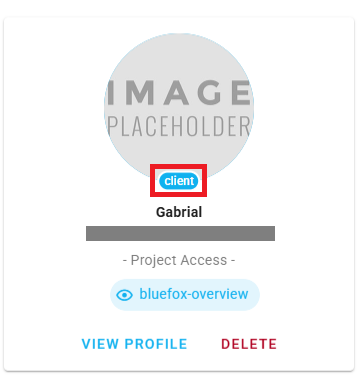
You can also identify the project access level of a client through this label. 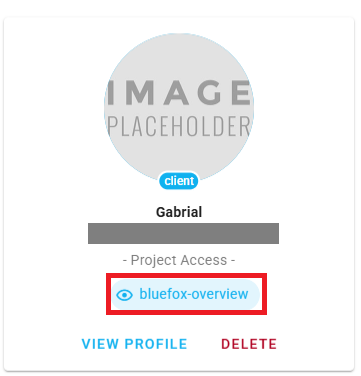
and the access level is indicated next to the Client label. 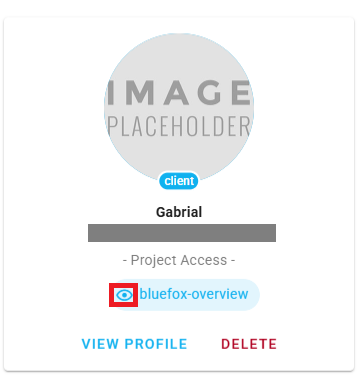
Summary
| Role | Permissions |
|---|---|
| Admin | Full account access, manage projects, and control team member permissions |
| User | Access to projects only, restricted to any account related settings |
| Editor (Client Access) | Full project control: create, edit, delete, and send |
| Viewer (Client Access) | Read-only project access: view and analyze only |